
This release gives you more direct control over your work, editing fields straight from your tables and correcting how engagement reports read. Here is what shipped.
Edit your work directly from tables
You can now edit key fields straight from your brief, plan, and promotion tables, without opening each item. Update a brief’s workflow stage, priority, and assignee, a plan’s status, tags, and assignee, or a promotion’s status and assignee, all from the table view. Assignee includes a No assignee option, and your edit shows immediately while Boki saves it in the background. For a content marketer keeping a pipeline current, this cuts the routine clicking so you can update where things stand in a few seconds.
Correct engagement metrics for published posts
You can now override the engagement metrics on a published post so your reporting reflects reality. Open a post to see its engagement broken down by platform, edit the numbers on any connected account, and Boki labels each row as Edited or Synced so you can see where a value came from. Remove an edit to drop your override and bring back the automatically synced number, and you can refresh the synced metrics any time. For a growth marketer reconciling a campaign report, this means you can correct a wrong number without losing the automatic source behind it. These overrides change how Boki reports, not the metrics on the social platform itself.
A welcome tutorial inside your workspace
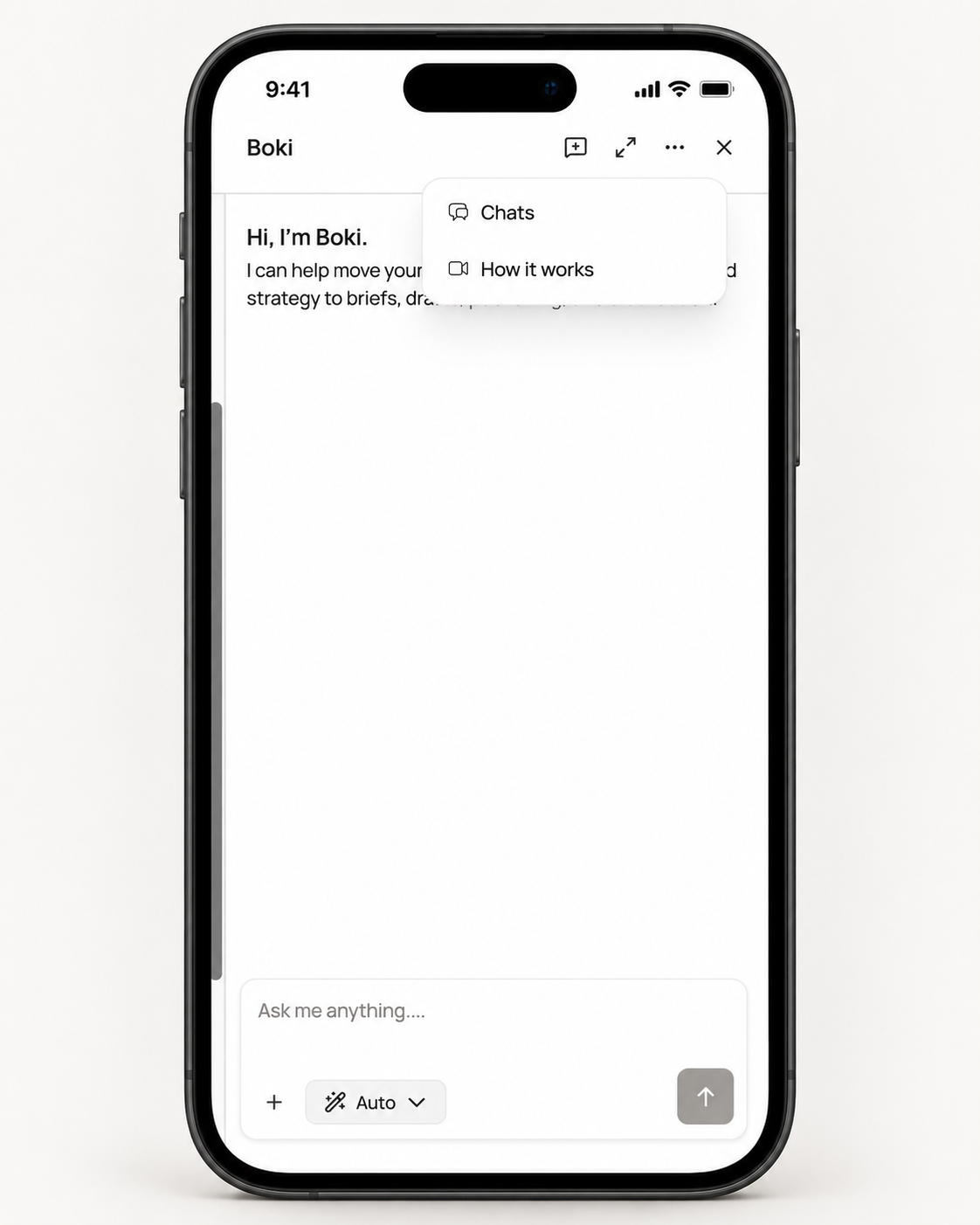
First-time users now get a welcome video inside Boki. New members can see it in their first workspace, and owners who explore an empty workspace can catch it on a later visit. You can reopen the tutorial any time from the user menu, including on mobile. For a founder bringing a team onto Boki, this gives new people a guided start without you walking each one through it.
Improvements
We made SEO V6 the standard analysis flow.
-
New analyses, refreshed analyses, and new article audits now run on V6, and SEO entry points appear without waiting on the old SEO flag.
-
You can reopen an existing analysis at the review step, add SEO optimization to a brief you already have, and replace a long saved context with a short brief summary.
-
Context prefill now separates the summary, audience, goal, keywords, and call to action, and competitor outlines leave out publication metadata like “Authors” and “How to Cite.”
-
Older analyses from V2 to V5 keep their stored scores, and you update one to V6 before using it to finalize a new brief.
We also improved social publishing and workspace selection.
-
Boki refreshes your connected accounts when you open the post creation or editing dialog, so you are working from current account choices.
-
Published post links now sit under a clearer “Published on” section.
-
Promotion tables handle column sizing, horizontal scrolling, and sticky columns better.
-
The workspace picker has a cleaner layout and a consistent account menu.
Additional fixes
-
Editing unrelated fields on a plan no longer switches its visibility to Private.
-
Workspace lists reload after sign-in, so returning users are no longer sent to new-user onboarding by mistake.
-
Onboarding respects your existing workspaces and pending invitations over a stale website setup.
-
SEO brief context and secondary keywords carry into later refreshes instead of dropping.
-
Heading-only documents now score zero correctly, and generic terms are left out of V6 term guidance.
-
Agent-created briefs update the existing linked brief instead of creating a duplicate.
What’s Next
There is more coming across the workspace. Have feedback or want early access to what’s next? Reach out to us on Discord.