
This release lets you interview experts by voice and get a transcript back, turns SEO analysis into a writer-ready brief in one flow, and gives you fine control over which notifications reach you. You get voice expert interviews, AI-assisted SEO planning, detailed notification preferences, and a round of work on collaboration and social publishing.
Here is what shipped.
Interview experts by voice
You can now run an expert interview by voice instead of typing. Boki captures the conversation with live captions, a timer, and guided prompts to keep the interview on track, then gives you a transcript, an export, and a summary of the key points when you finish.
For a content marketer gathering source material, this turns a back-and-forth email chain into a single recorded conversation you can quote from directly. Interviews work for both authenticated and public insight requests, answers are labelled as voice or text, and you can send a voice-only request when you want the expert to speak rather than write. Interview time is charged from your credits, and Boki tells you clearly before you start if you do not have enough.
From SEO analysis to a writer-ready brief
SEO planning now runs from analysis straight into a brief. The new Semantic SEO Score v4 grades your analysis, topic recommendations are grounded in the competitors you select and backed by AI-cited evidence, and a completed analysis shows a clear “Optimized with SEO” status.
For a growth marketer, this closes the gap between research and drafting. You can turn an SEO analysis into a content brief in one flow, see the supporting evidence in a dedicated panel inside the brief, and undo AI-generated brief enrichment if it goes further than you wanted. New SEO-led onboarding walks you into the workflow from the start.
Expert profile images
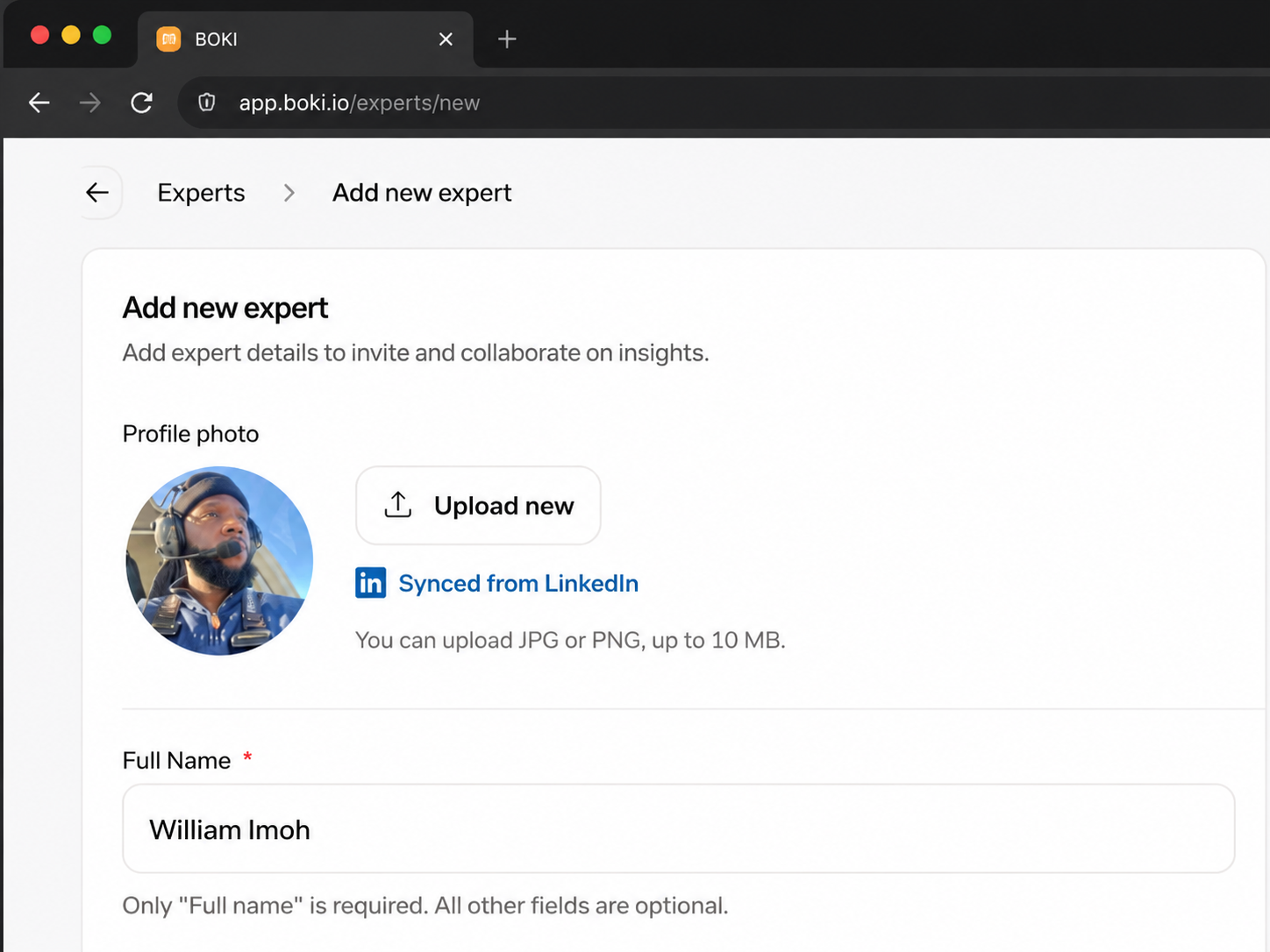
Expert profiles can now carry a real image. Boki can fetch an expert’s LinkedIn profile picture, and you can upload, replace, or remove an image manually, so expert attribution looks complete across the workspace.
Notifications you can actually control
Notification preferences are now detailed instead of all-or-nothing. You can set email and in-app notifications separately, and control each type on its own: new plans and briefs, assignments, status and due-date changes, comments and replies and mentions, payment reminders, and product updates.
For a founder or workspace owner, this means you receive only the signals that matter to you. Boki now also notifies you when a plan or brief due date changes and when plans and components are created, so deadlines and new work are easier to keep track of.
Article collaboration
Articles now have a heading outline you can show or hide, and the preference sticks between sessions, so navigating a long draft is faster. The editor also shows active collaborators more clearly, with profile images in the collaboration view.
Social publishing
Social work picked up several improvements. You can create and save social-post drafts without a connected account, preview a LinkedIn initial comment before publishing, and see schedules in your own GMT offset. Long captions and media display better in the preview, and the code-block editor now supports YAML.
Additional improvements and fixes
-
Fixed workspace deletion so it runs as a single atomic flow and handles dependent distribution tasks instead of failing partway.
-
Fixed article export through MCP and improved recovery when an export fails.
-
Fixed blank “Untitled Article” entries showing in article lists.
-
Fixed social-scheduler timezone display and social-account selection in the agent composer.
-
Added structured error monitoring so the team can spot and diagnose failures across the product faster.
-
Removed the video-limit banner.
What’s Next
There is more coming across the workspace. Have feedback or want early access to what’s next? Reach out to us on Discord.